


Test scripting in Performance Insights


Most pages worth measuring aren't publicly accessible. A checkout page requires items in a cart. A dashboard requires a login. An account page requires a session. Without scripting, tests can only measure what an anonymous visitor sees.
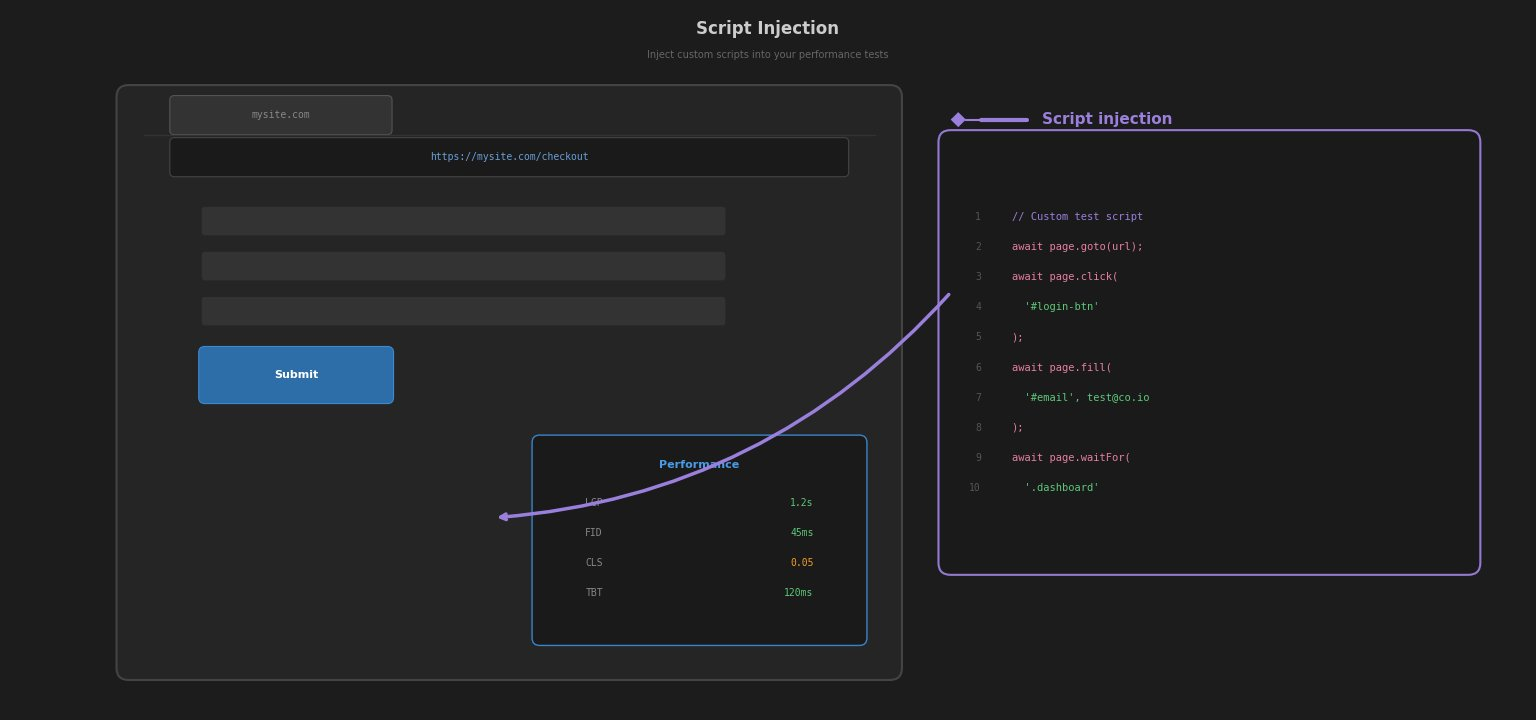
Test scripts let the test browser navigate, interact with the page, and set up whatever state is needed before the measurement starts.
How scripts work
A script is a sequence of commands that run before and during a test. The browser follows them in order, navigating to pages, filling in fields, clicking buttons, executing JavaScript, and Performance Insights records the results.
logData controls what gets measured. Setting it to 0 tells the test to keep going but stop recording. Setting it back to 1 resumes measurement. This is what makes login flows work: the login process runs with logging off, and only the target page gets recorded.
logData 0
navigate https://my-site.com/login
setValue name=email user@example.com
setValue name=password mypassword
click innerText=Sign in
logData 1
navigate https://my-site.com/dashboard
Interacting with the page
The core commands are navigate, click, setValue, and exec.
navigate loads a URL and waits for it to complete. click and clickAndWait trigger a click on a DOM element. clickAndWait also waits for the browser to finish any resulting activity before continuing. setValue sets the value of an input field. exec and execAndWait run arbitrary JavaScript. execAndWait waits for any browser activity the script triggers before moving on.
Elements are selected using the attribute=value pattern: id=loginForm, name=email, type=submit, innerText=Sign in. Attribute values with spaces are not supported.
Controlling what gets measured
Only the steps with logData 1 active contribute to the test results. A checkout flow can navigate through a product page, add an item to the cart, and reach the checkout page, with only the checkout page load recorded.
For pages that load asynchronously, waitFor polls the page until a JavaScript expression evaluates to true before the test continues. sleep pauses the script for a fixed number of seconds. Both are useful when a page needs time to settle before measurement starts.
Request manipulation
Scripts can modify requests before the page loads. block prevents specific scripts or requests from loading, useful for excluding third-party analytics or live chat scripts that would affect scores. setCookie sets a browser cookie before navigation, the simplest way to handle session state when the site uses cookie-based authentication. setHeader sets a custom HTTP header on all requests. Lighthouse metrics are not affected by scripting except for setHeader and setCookie.
Debugging
Script failures are silent. If a command fails, the test continues without any error. When writing a new script, stick to commands that can be verified manually in a browser first: navigate, click, setValue, and exec. Once those work, add other commands.